 FluxLine
Design the layout
Place equipment and connect ports to make the flow explicit.
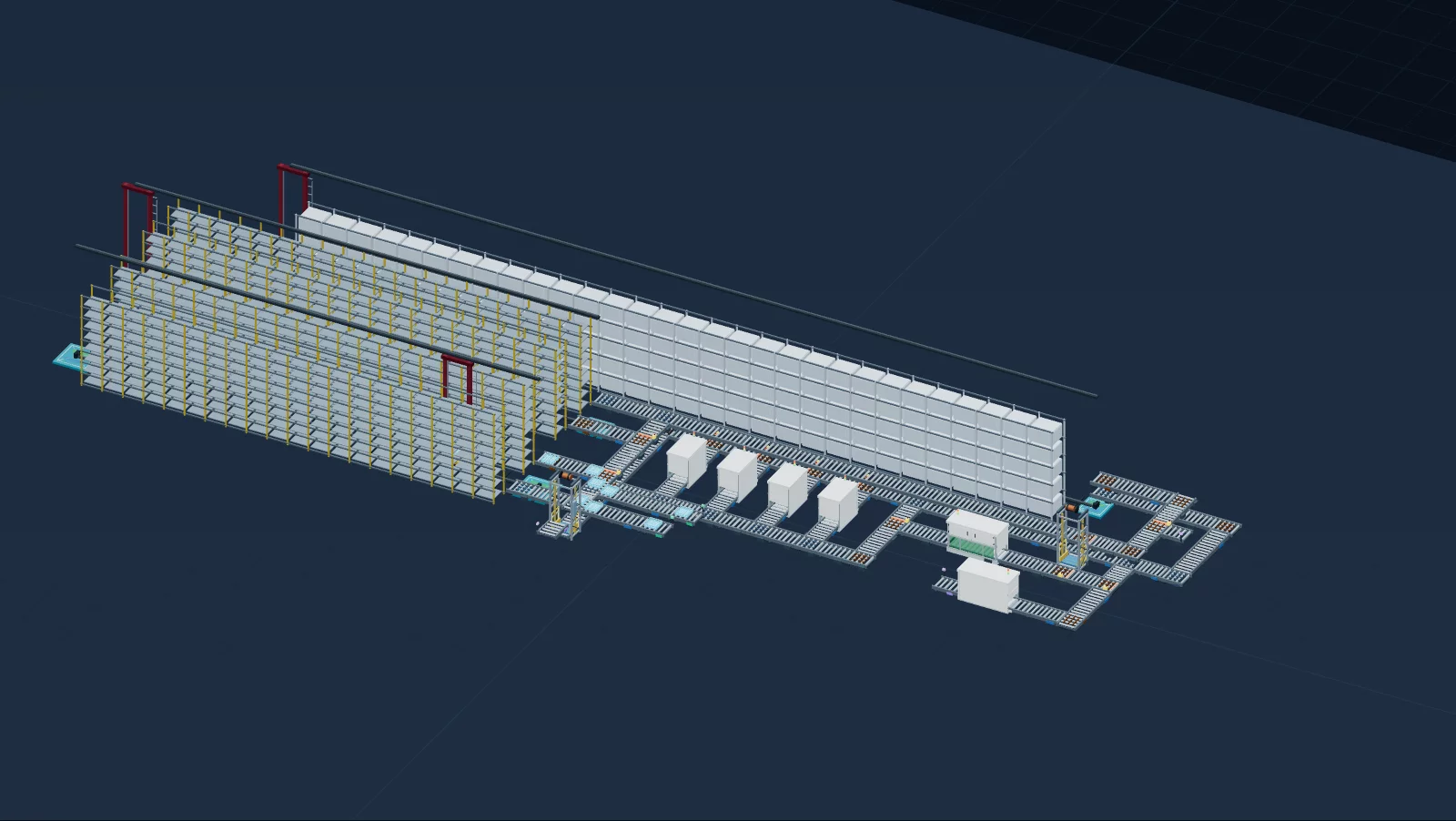
From 3D layout to material-flow simulation. Explore the process and explain your design before equipment goes on site.
Panasonic 5M line · Actual project preview
103 devices · Native models v3.2.1-beta.3 · Precomputed simulation replayPlace equipment and connect ports to make the flow explicit.
Check topology and parameters. Inspect movement, waiting and metrics.
Revise the design and review the saved model in a read-only viewer.
Multiple floors, lifts, diverters and storage interfaces. Start with an explainable model and check your design assumptions.
Explore the product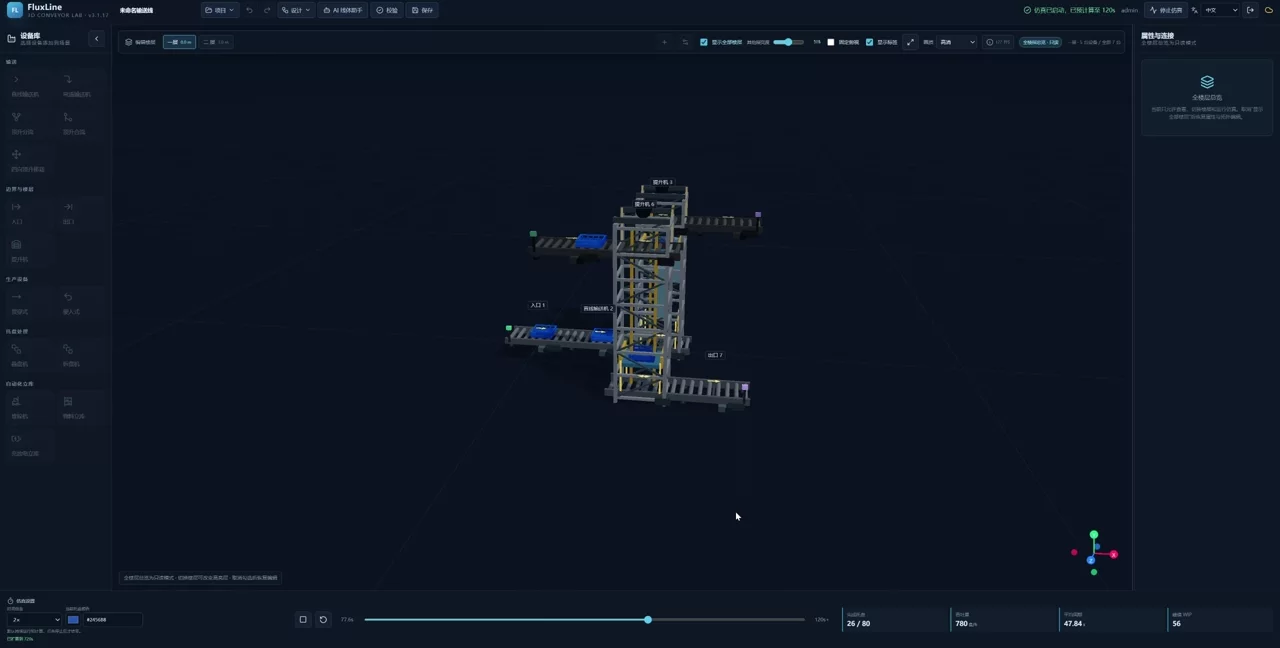
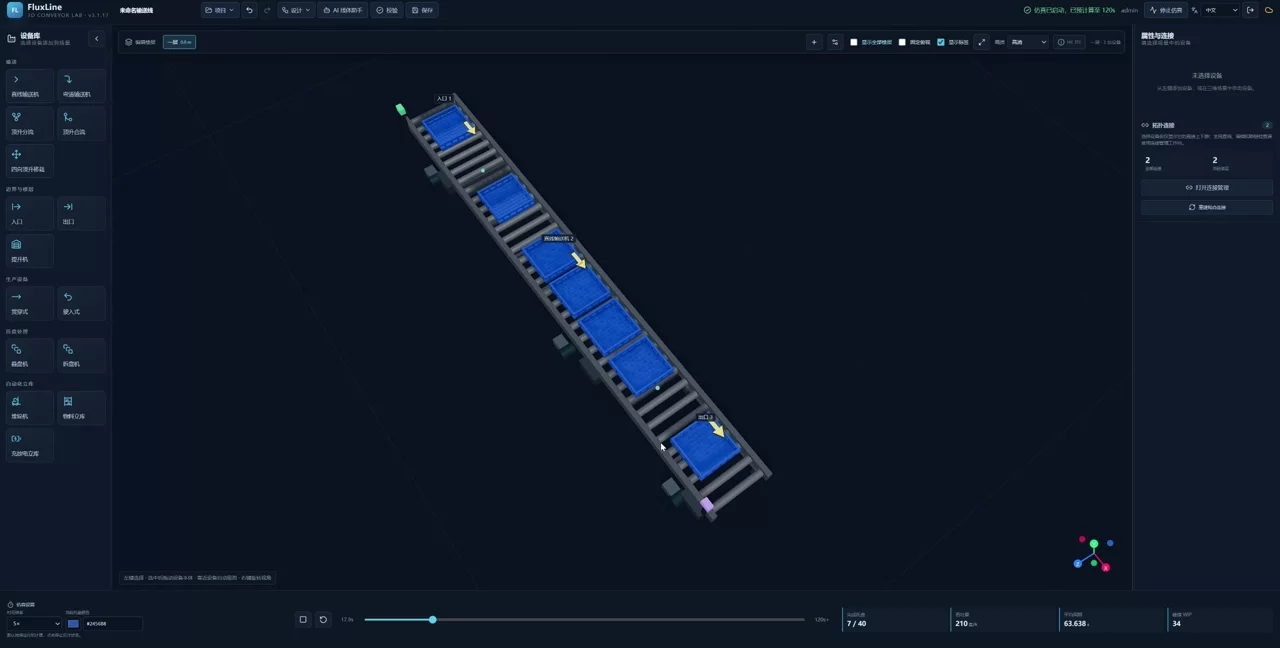
Why does the line wait while equipment is moving?
Explore the scenario ↗Where do shared resources constrain cross-floor flow?
Explore the scenario ↗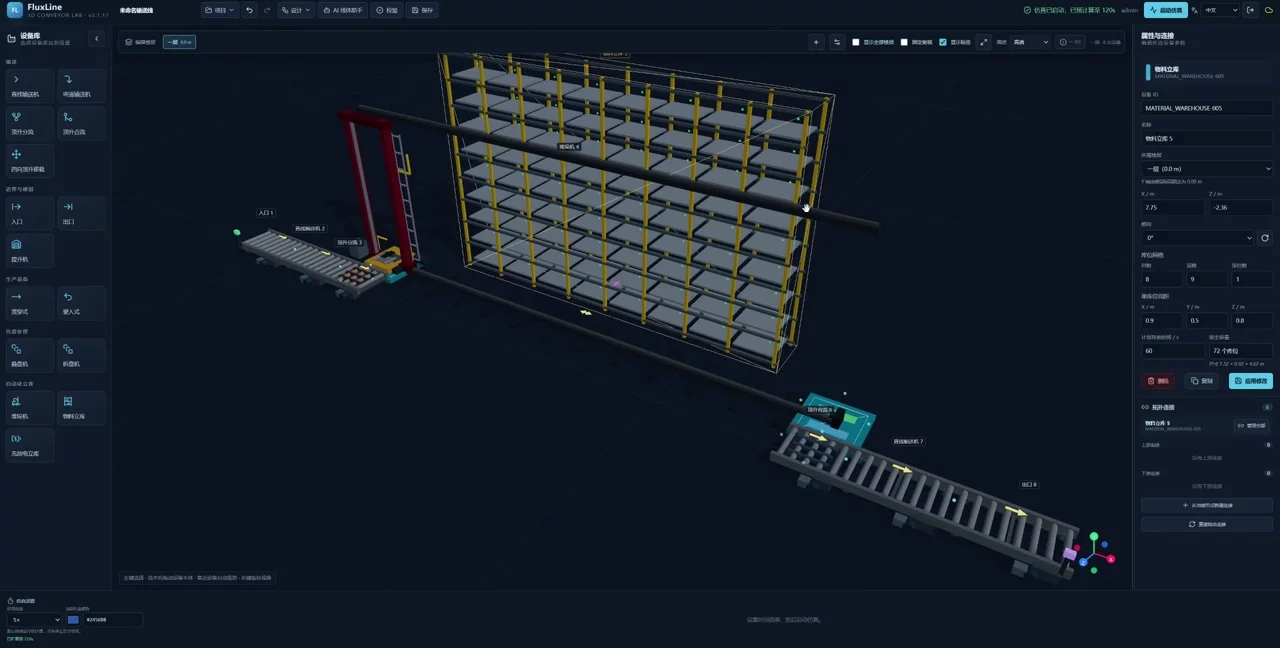
Explain conveyor and storage flow in one design.
Explore the scenario ↗No separate Python, Node.js or Docker installation. Configure an AI model only when you need the AI features.
Get in touch about deployment, integration or product feedback.