 FluxLine
Connect layout, flow and design review.
For design engineers, equipment integrators and manufacturing logistics teams. Explain the design and use a model to check its assumptions.
Turn a layout into a shared understanding
Place equipment, connect ports and edit parameters in a 3D canvas. Explore multiple floors and revise layouts with undo and redo.
Read the manual ↗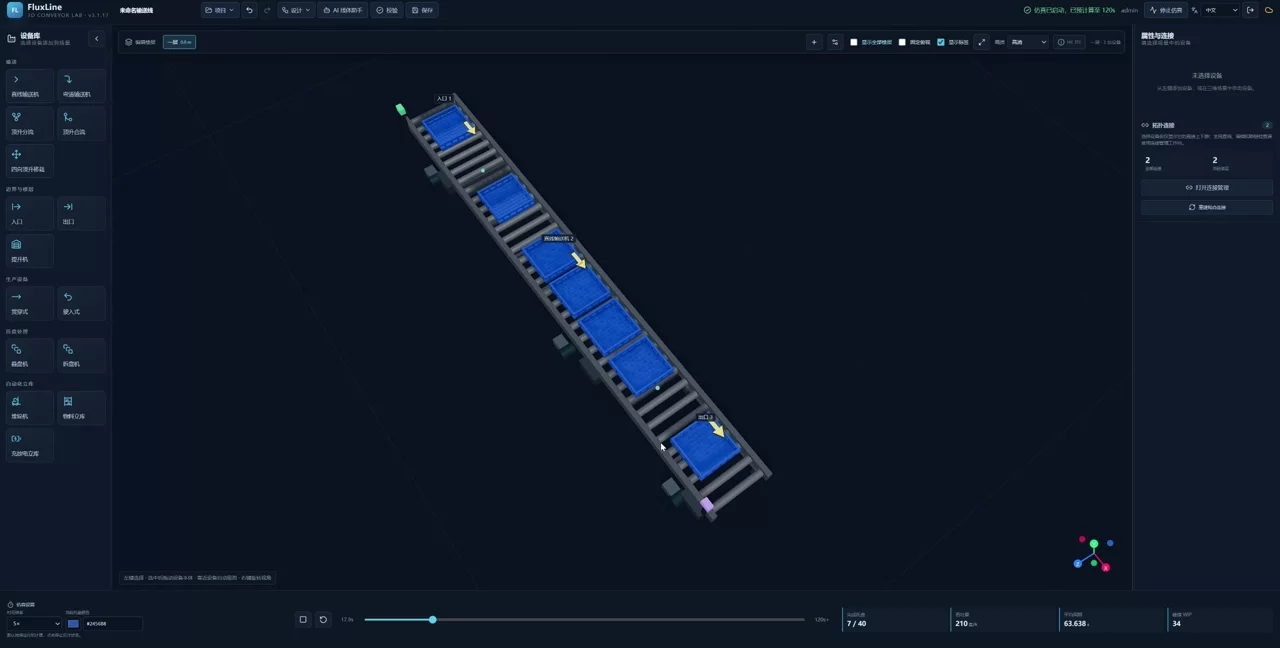
See the flow. Check your assumptions.
Observe tray movement and waiting. Assess the current model using throughput, cycle time, peak WIP and equipment utilization. Results depend on inputs.
Read the manual ↗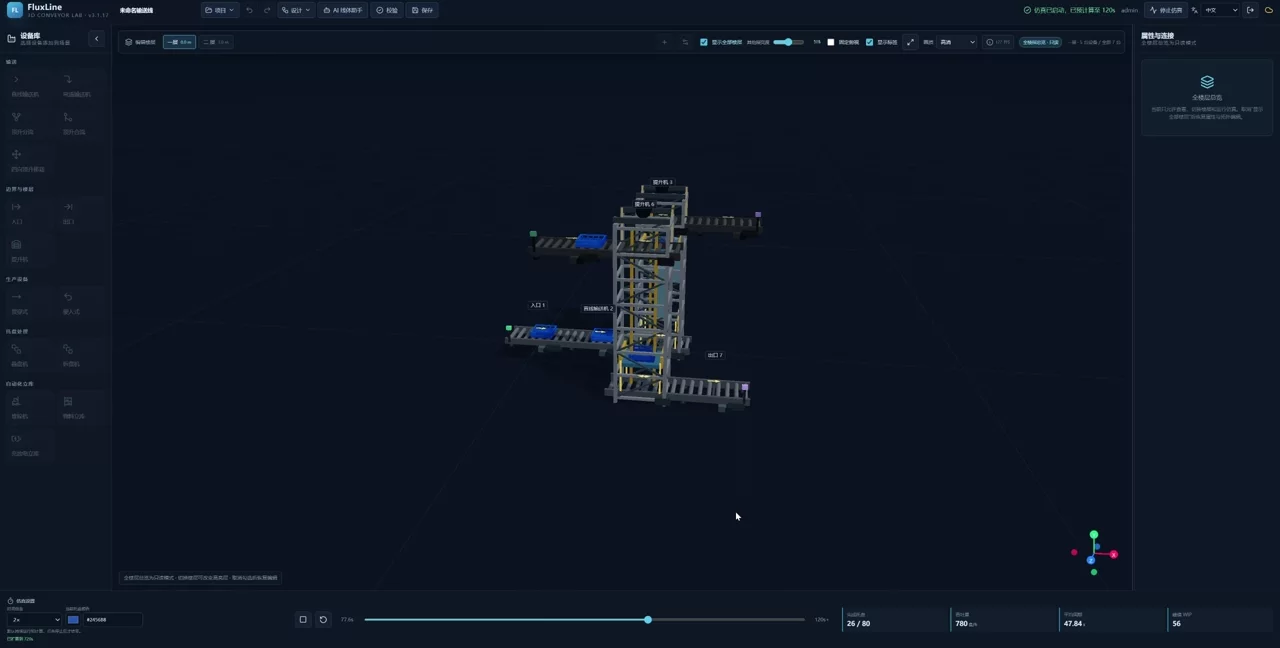
Give reviewers a common view
Share a saved design through a read-only viewer. Reviewers can explore the scene and run independent simulations while editing stays with the administrator.
Read the manual ↗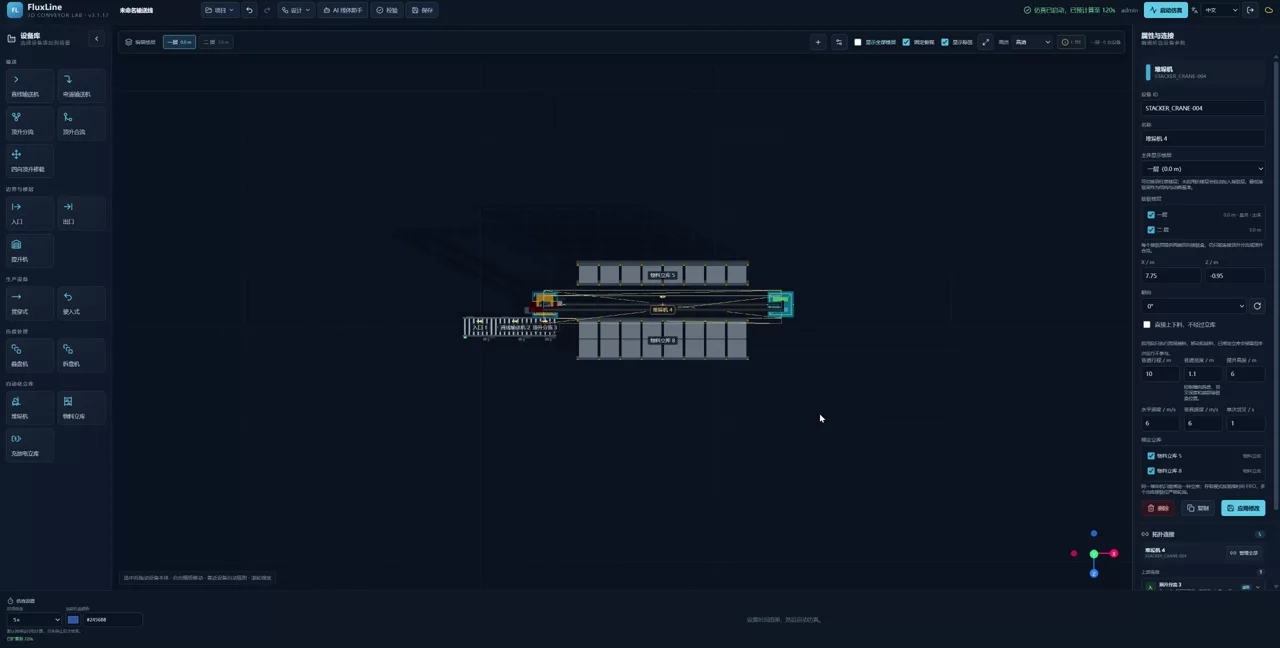
Start a draft from a layout image
Use dimensioned PNG, JPEG or WebP images to assist editable drafting. Review scale, equipment and topology manually. This is not lossless DWG/DXF import.
Read the manual ↗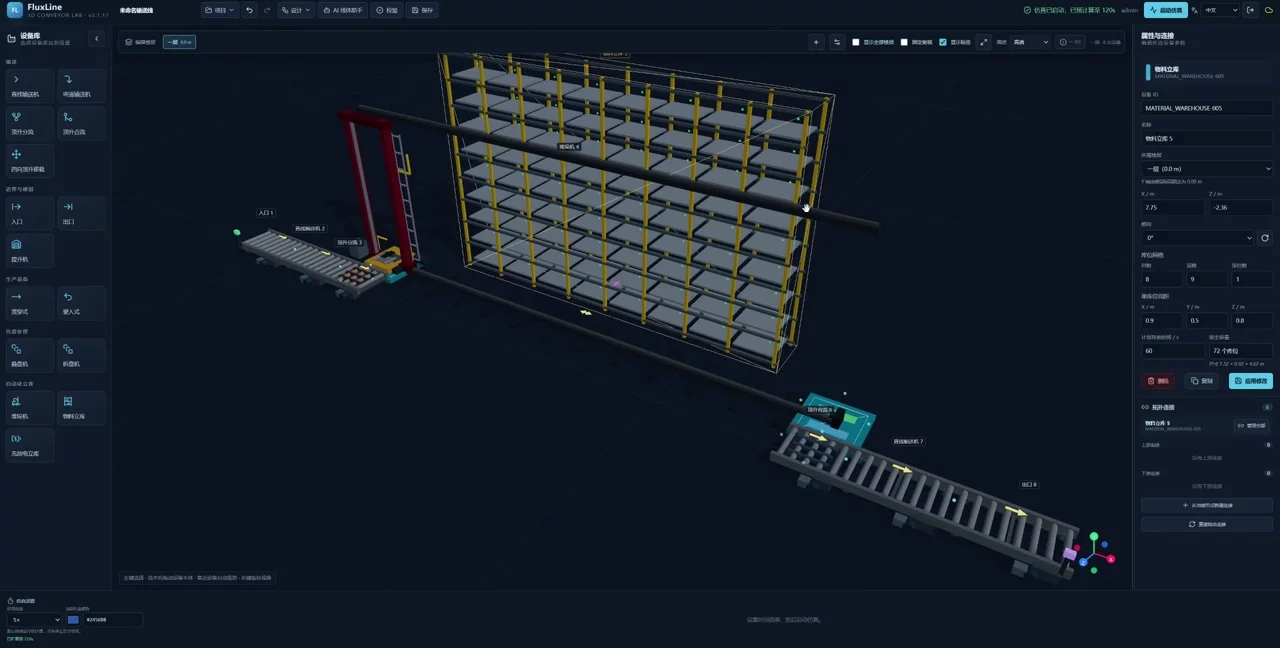
AI assistance. Your engineering judgment.
AI conversation can assist supported local layout edits, and layout-image conversion can help create drafts. Configure your own supported model and pay its API costs. Design, save and simulate without AI. AGV/ACR features remain Beta and require version- and scenario-specific evaluation.
Have a project in mind?
Get in touch about deployment, integration or product feedback.